






If you’ve been around for a while, you know I love adding little seasonal touches to everyday life. Fall is one of my absolute favorite times of year—the crisp air, the cozy sweaters, and of course, all the warm autumn colors.
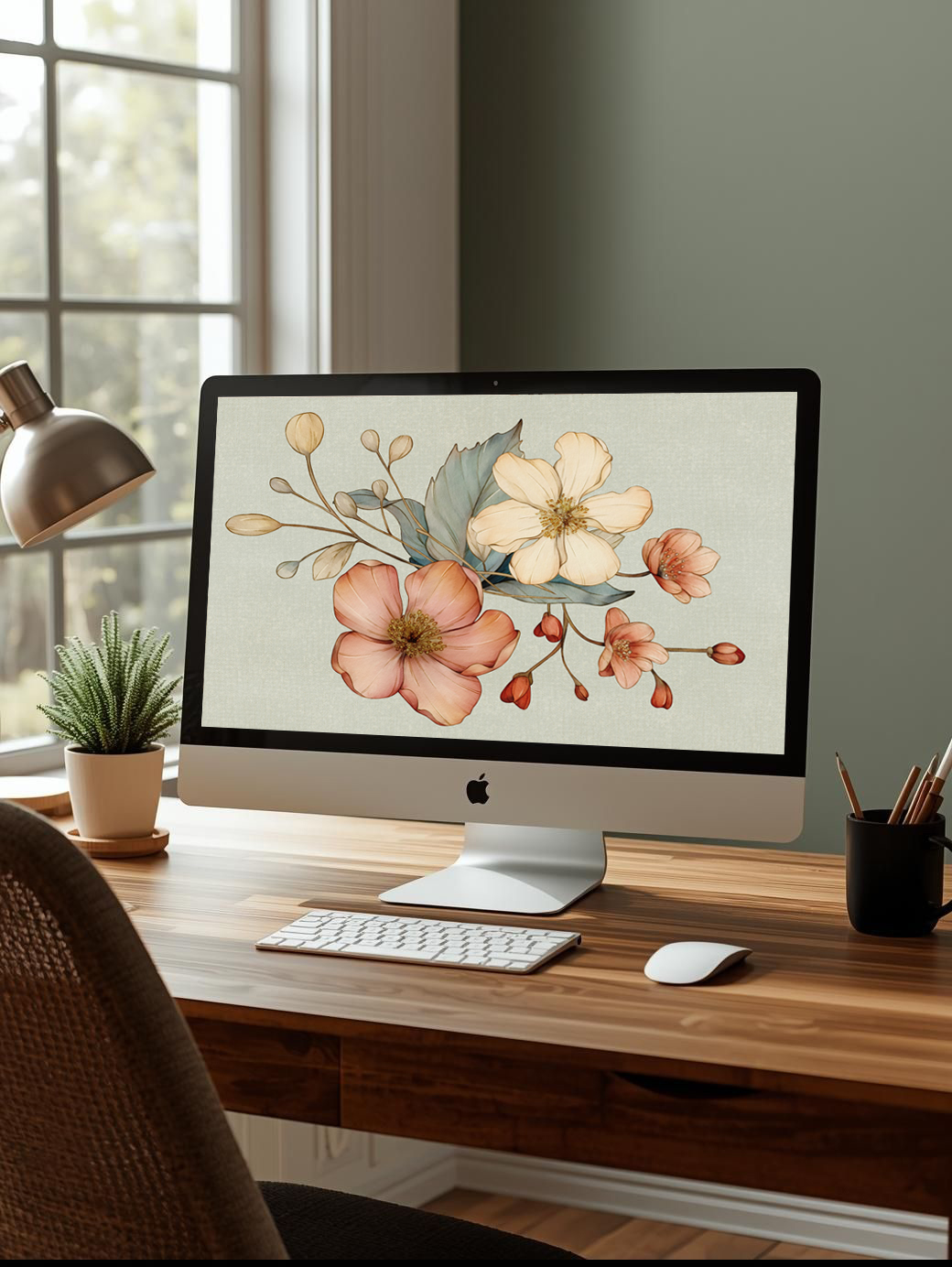
One of the simplest (and prettiest!) ways I like to bring that fall magic into my daily routine is by updating my computer background. I'm excited to share free fall flowers desktop wallpaper so your computer and phone can feel more stylish for the new season!
Once you access these fall flower wallpapers, you'll have access to my entire library of free wallpaper downloads! Because life is too short to have an ugly desktop. Enjoy 🙂
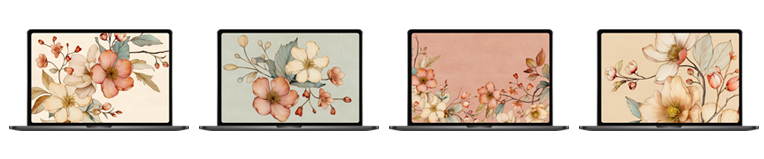
KEEP SCROLLING FOR FREE FALL FLOWERS DESKTOP WALLPAPERS
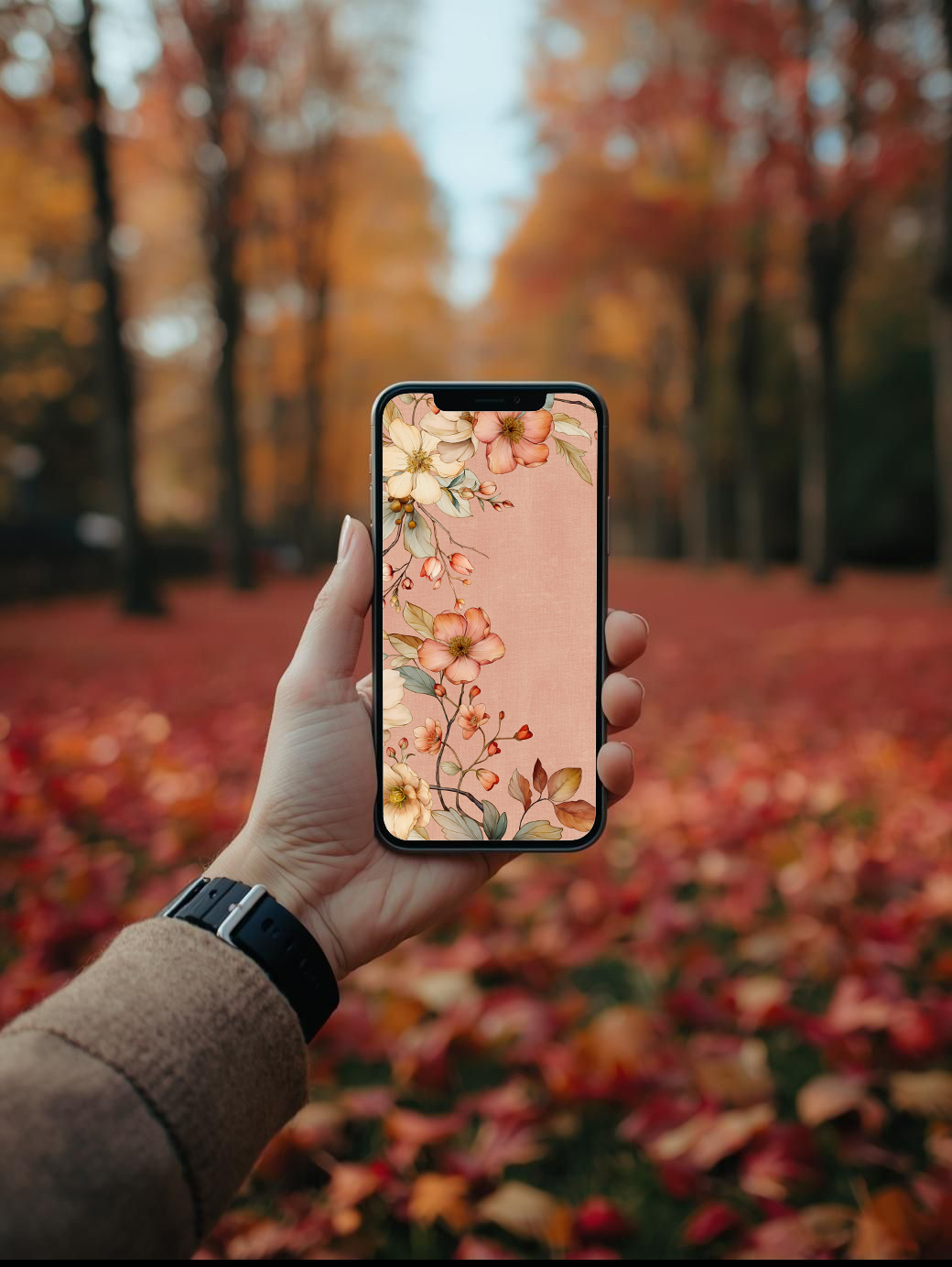
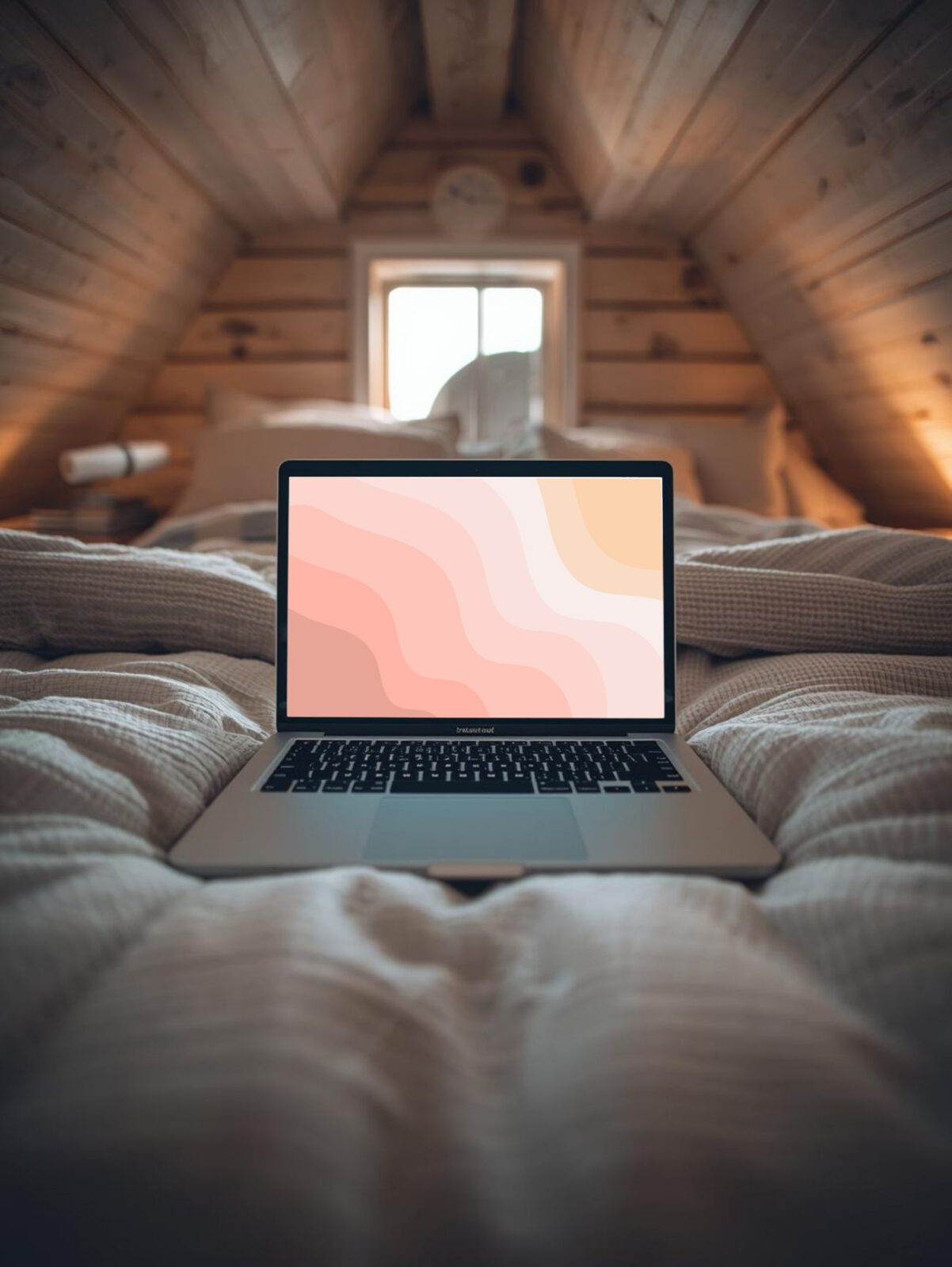
#1 FALL FLOWERS DESKTOP WALLPAPER
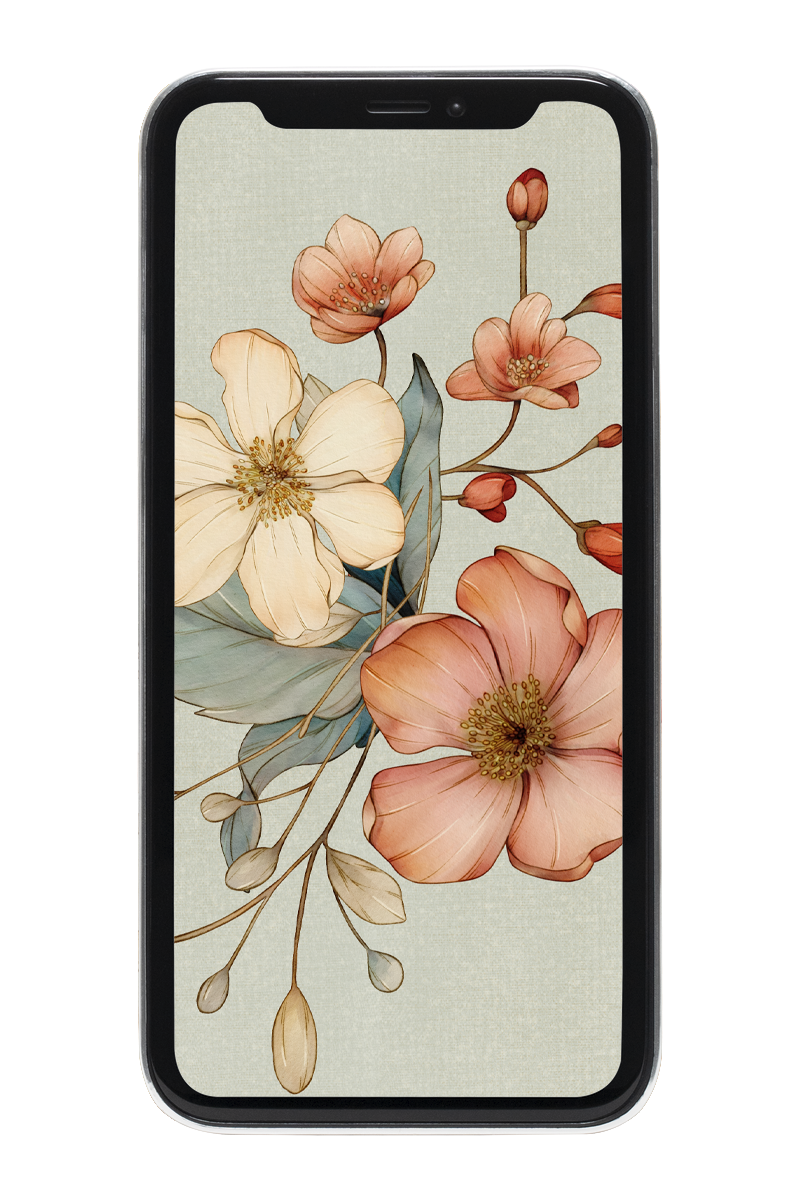
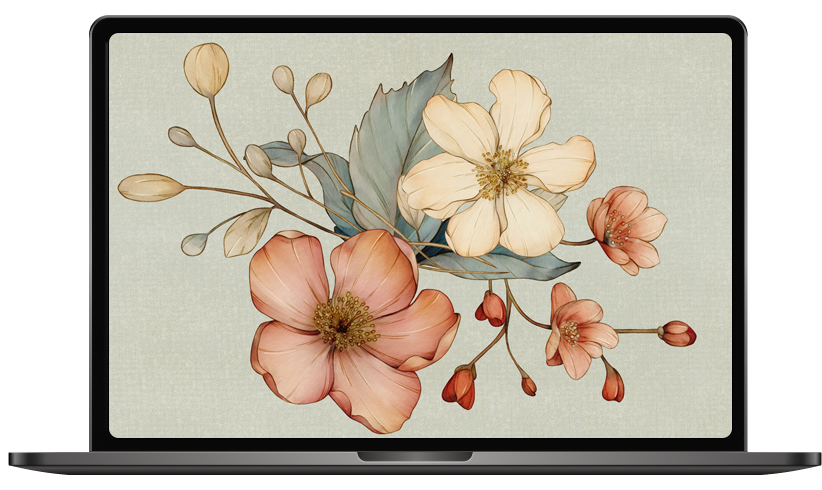
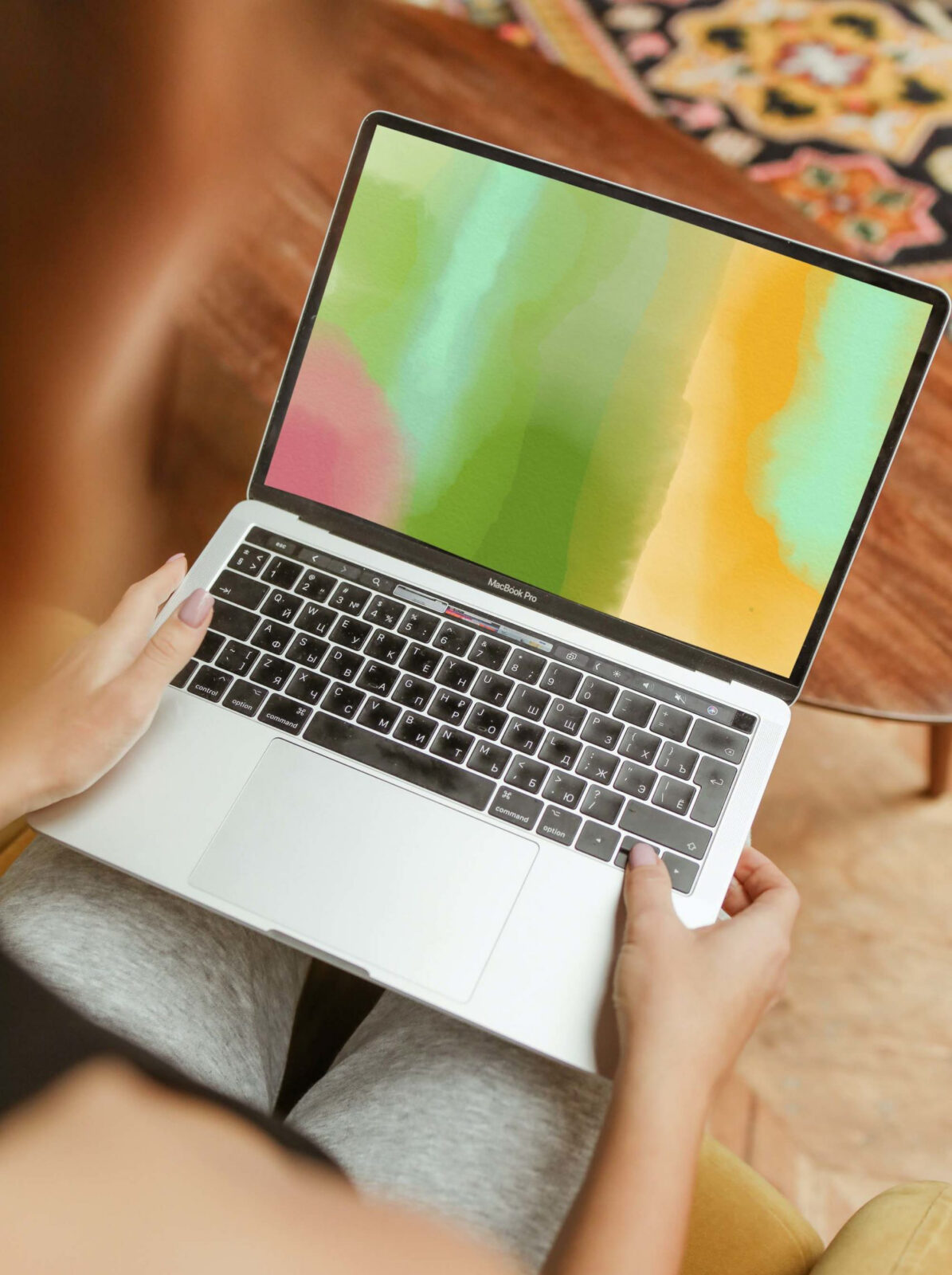
#2 FALL FLOWERS DESKTOP WALLPAPER
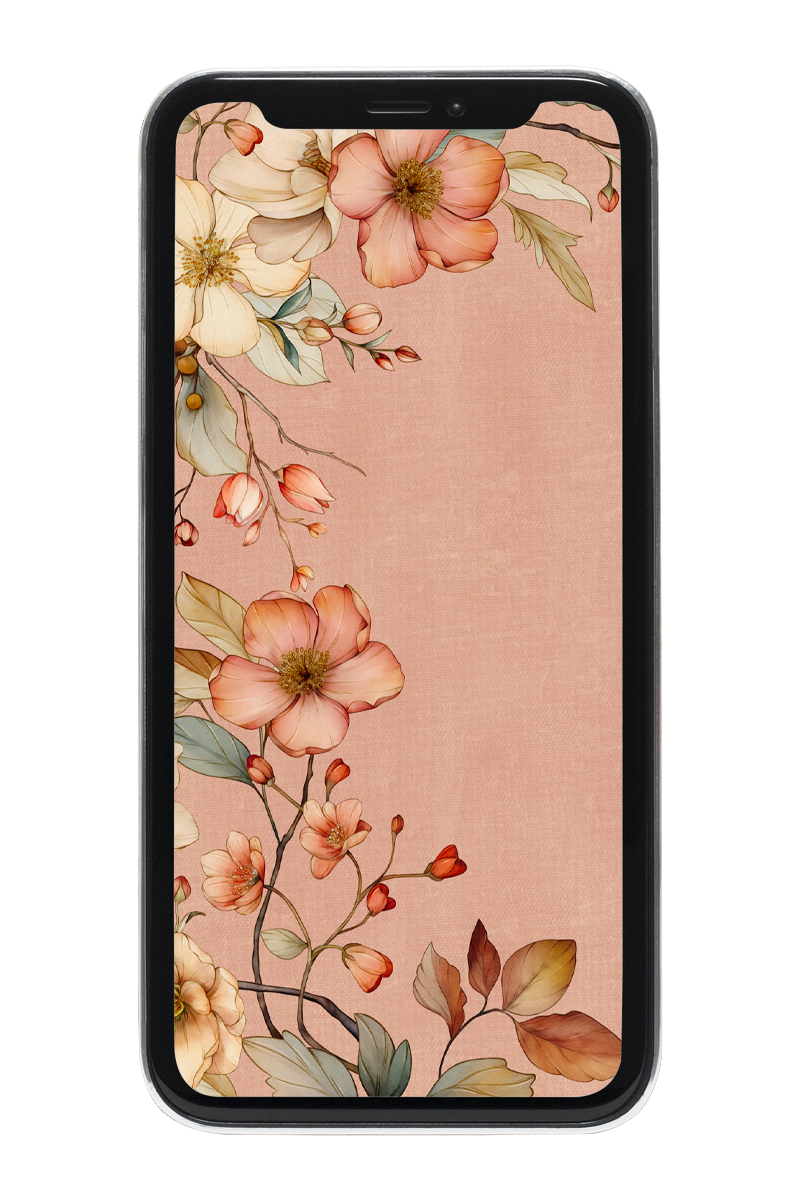
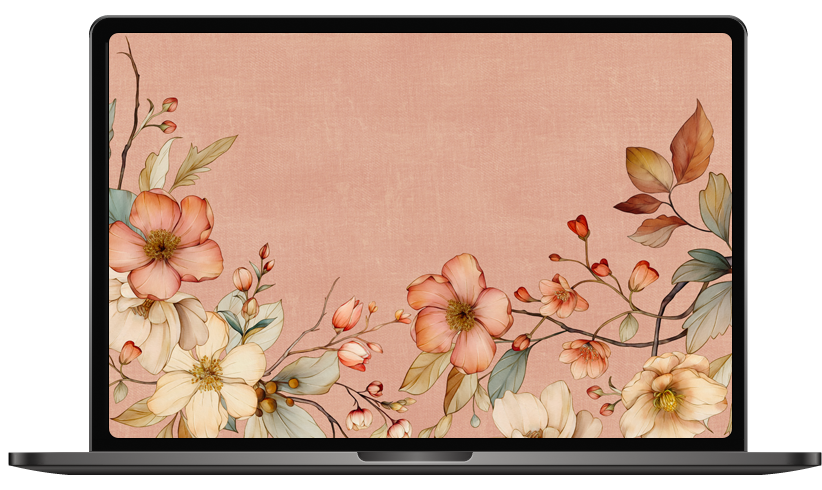
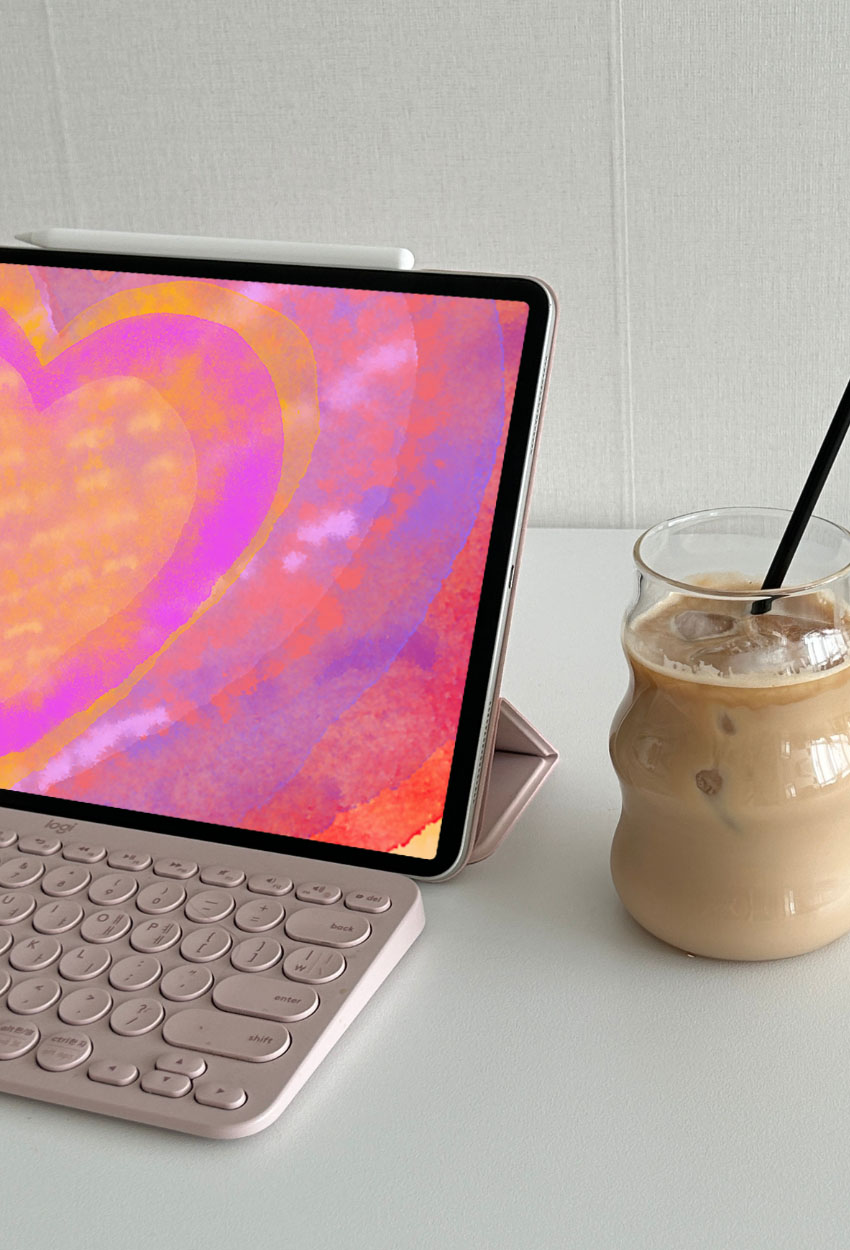
#3 FALL FLOWERS DESKTOP WALLPAPER
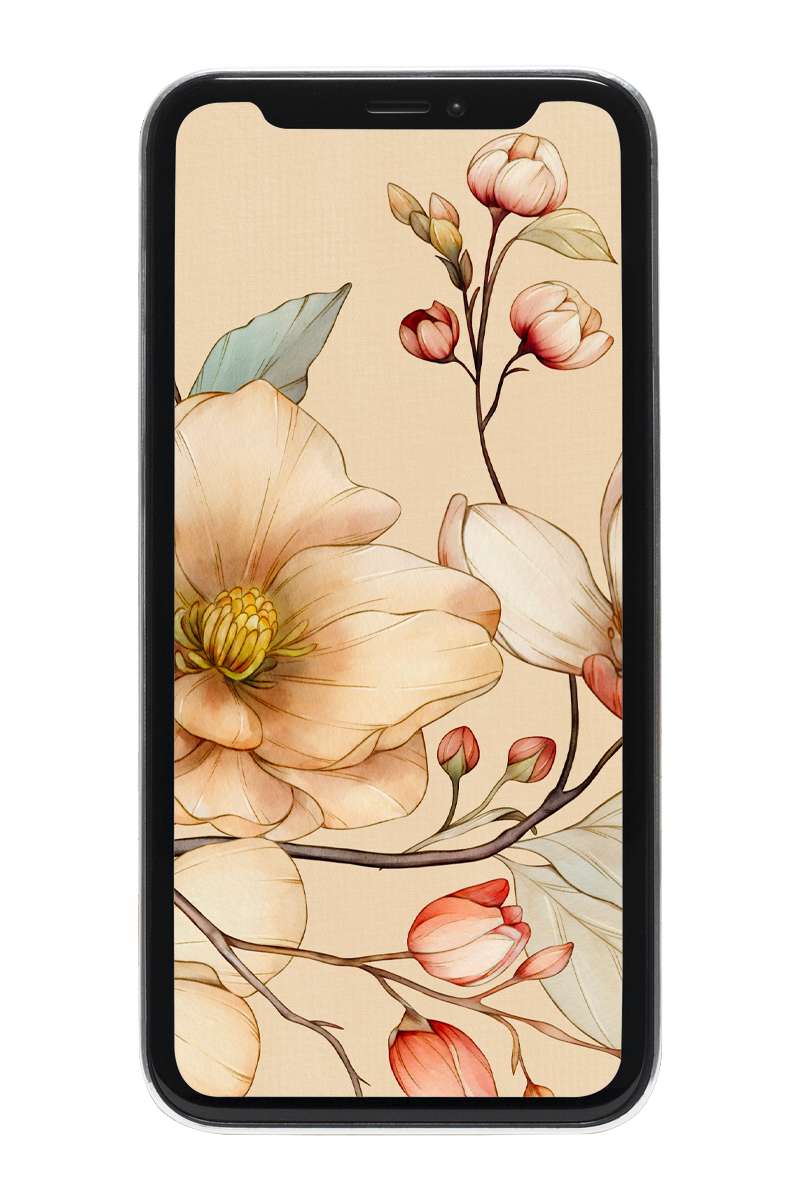
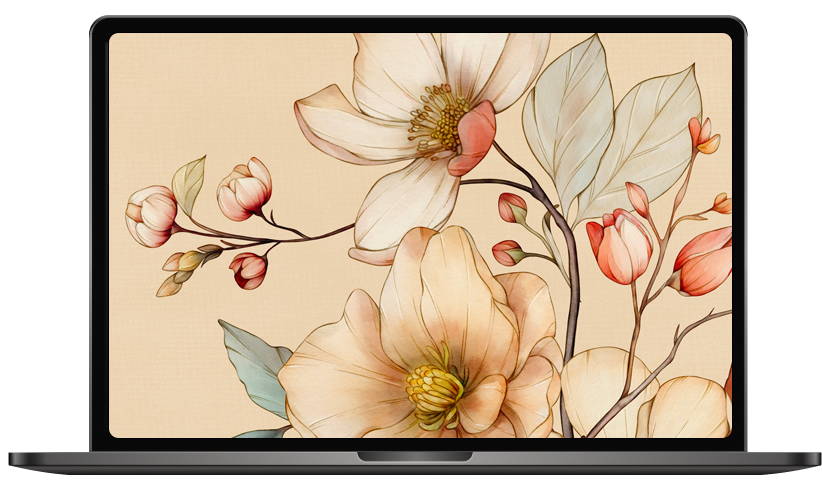
# FALL FLOWERS DESKTOP WALLPAPER
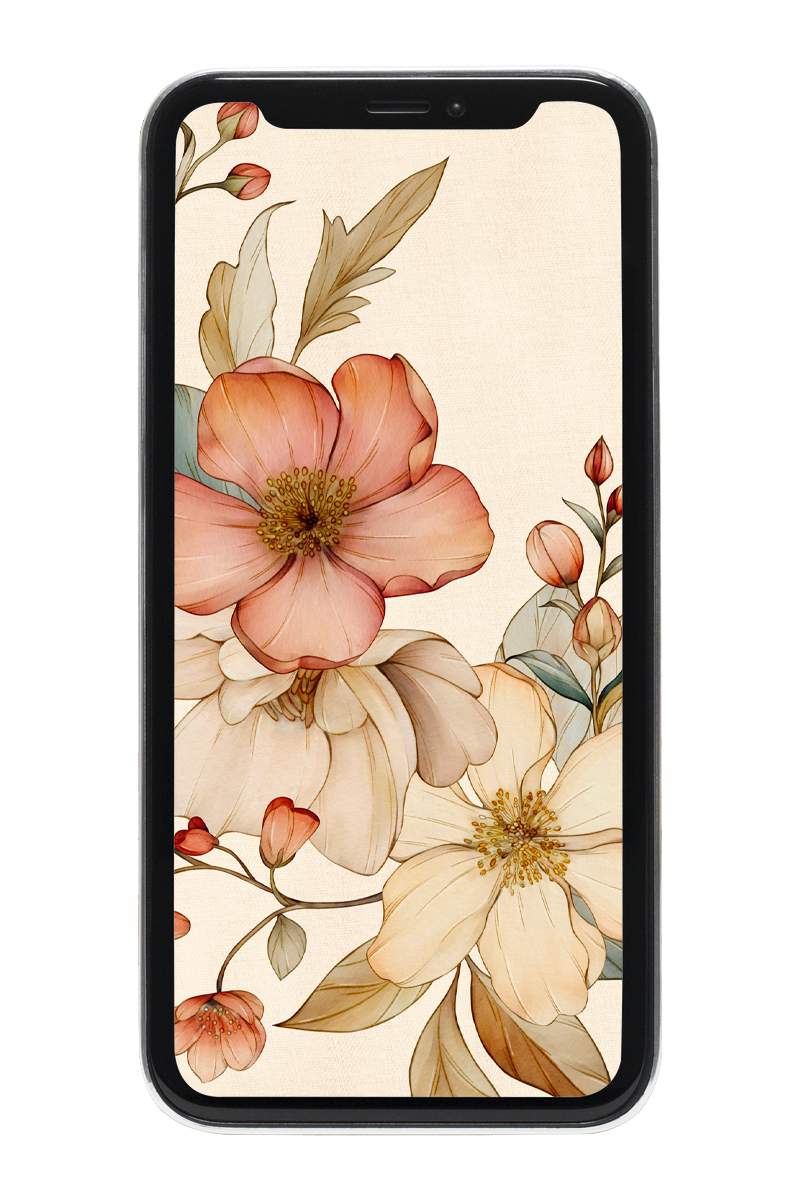
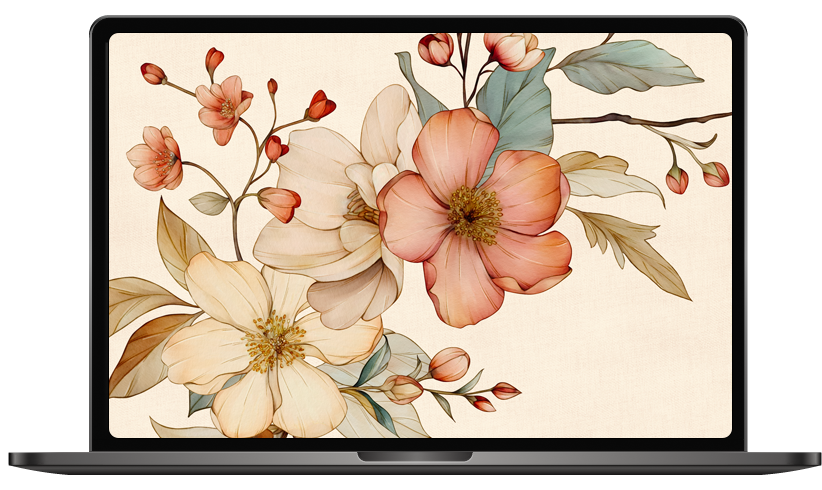
Why I Love Fall Flowers Desktop Wallpaper
Let’s be honest—we spend a lot of time on our devices, whether it’s working, planning holiday crafts, or sneaking in a little online shopping. Having a screen background that feels joyful makes such a difference.
For me, fall florals are the perfect mix of cozy and inspiring.
Think soft salmon petals, golden leaves, muted rosy tones—every time I open my laptop, it feels like a little piece of autumn has bloomed on my screen.
Here’s why I love them so much:
- They set the mood: A seasonal background brings a festive yet calming vibe into my digital space.
- They spark creativity: I always feel more inspired when my screen matches the cozy season I’m living in.
- They’re an instant refresh: Changing out my wallpaper is the fastest (and cheapest!) way to update my environment.
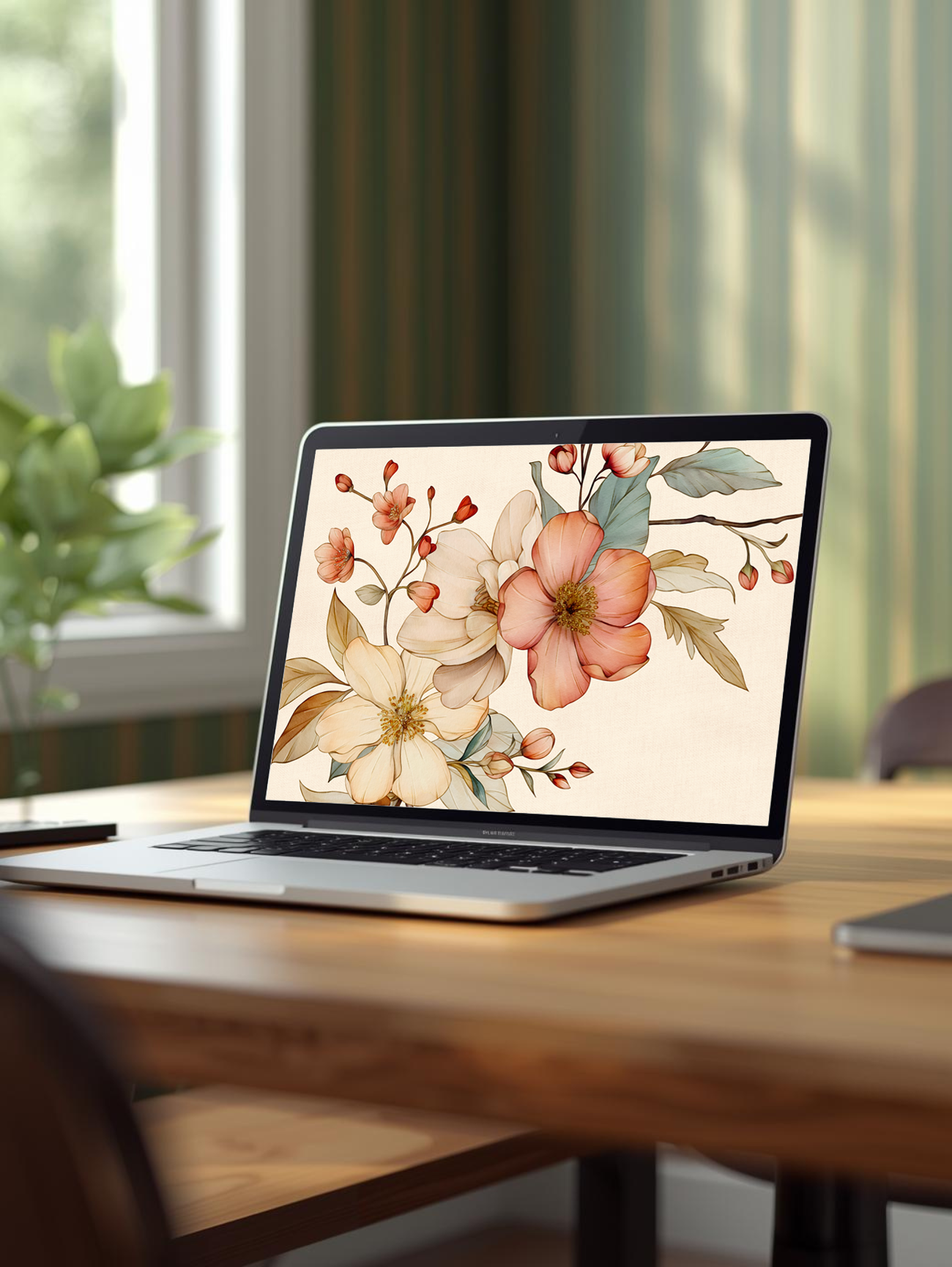
The Soft Autumn Color Palette
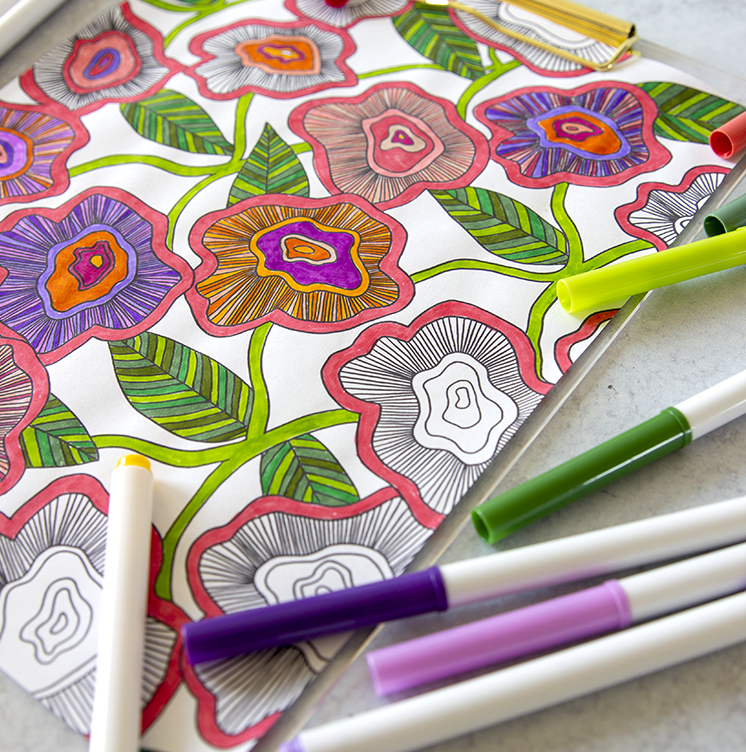
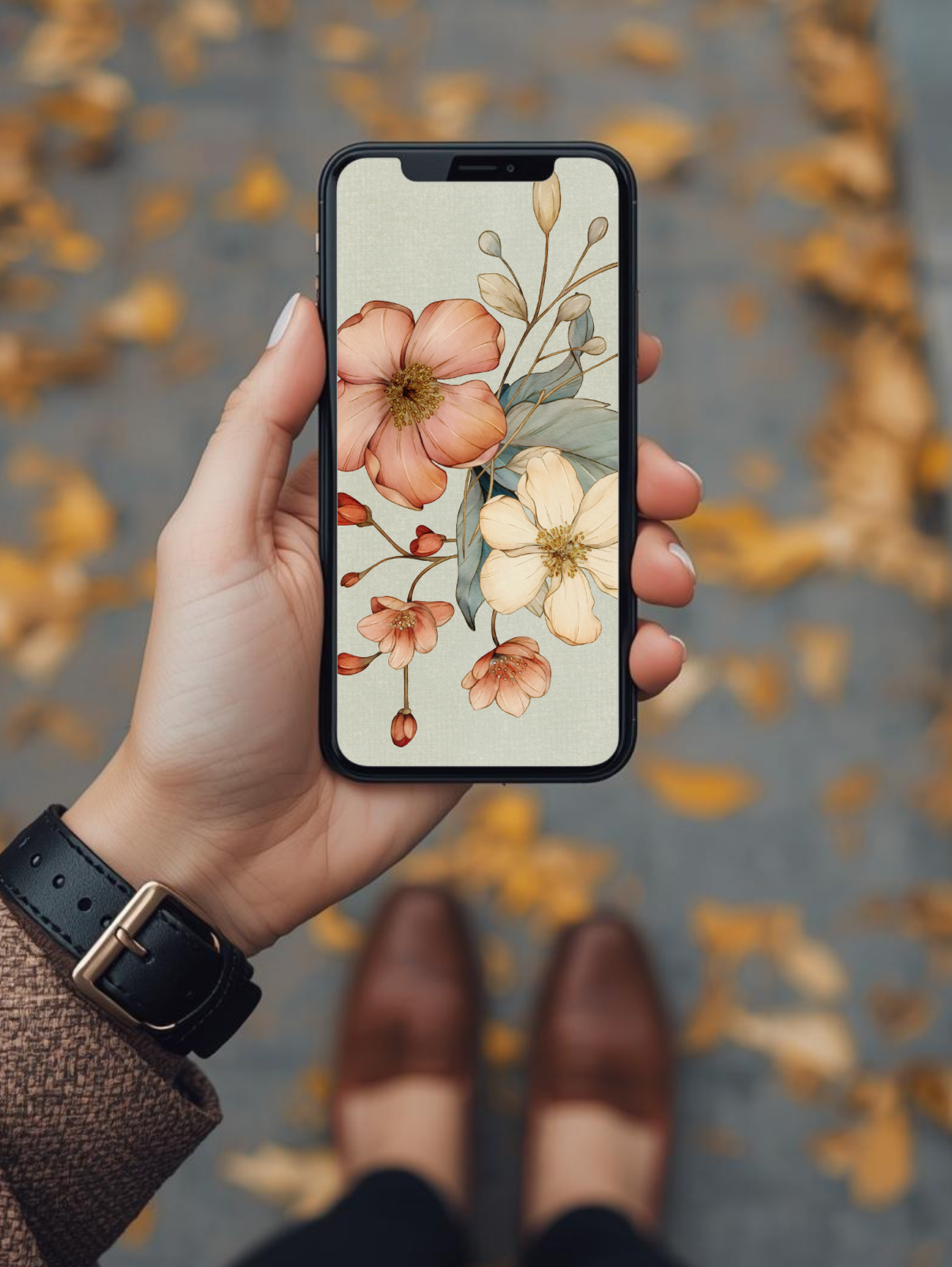
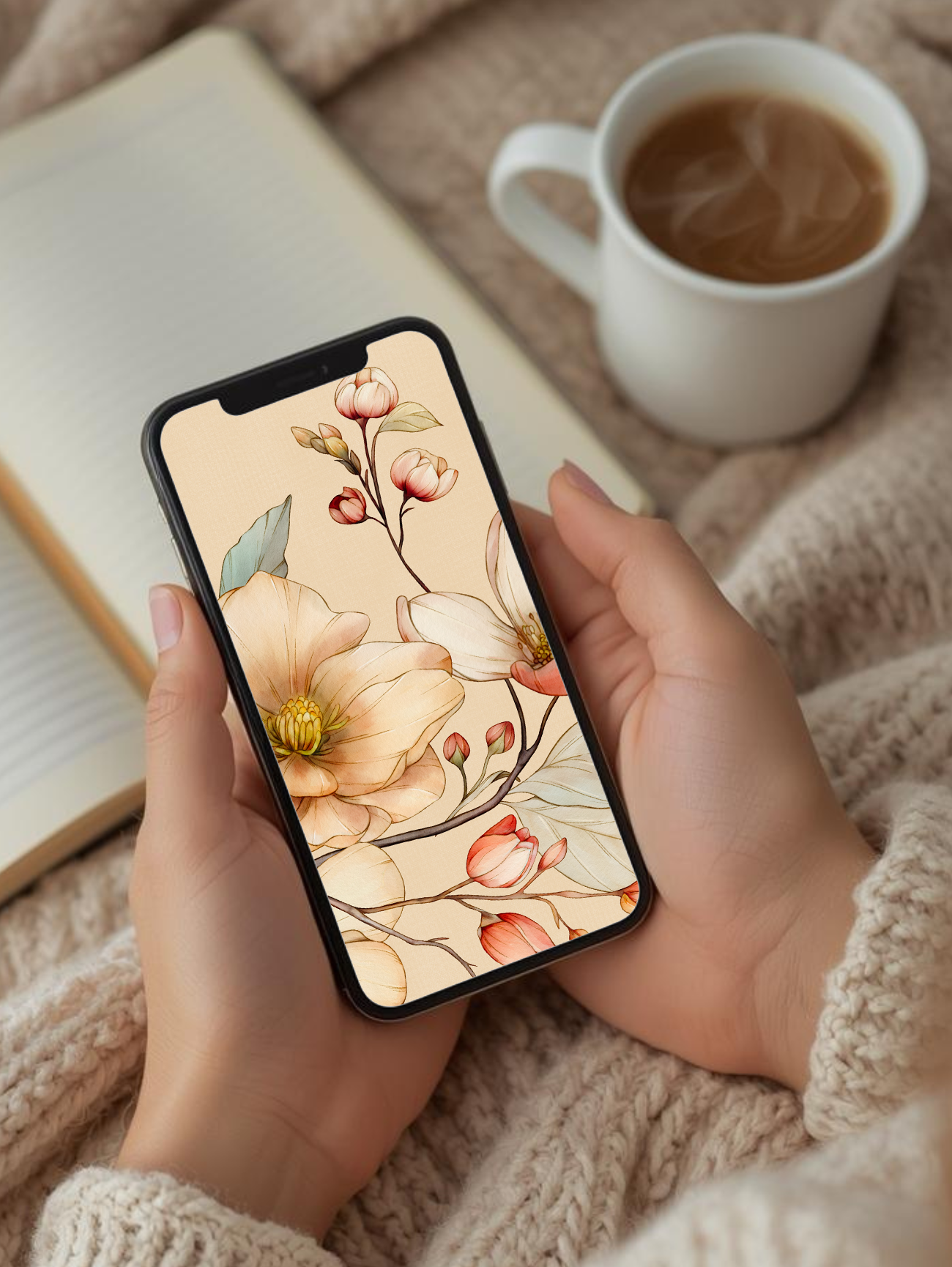
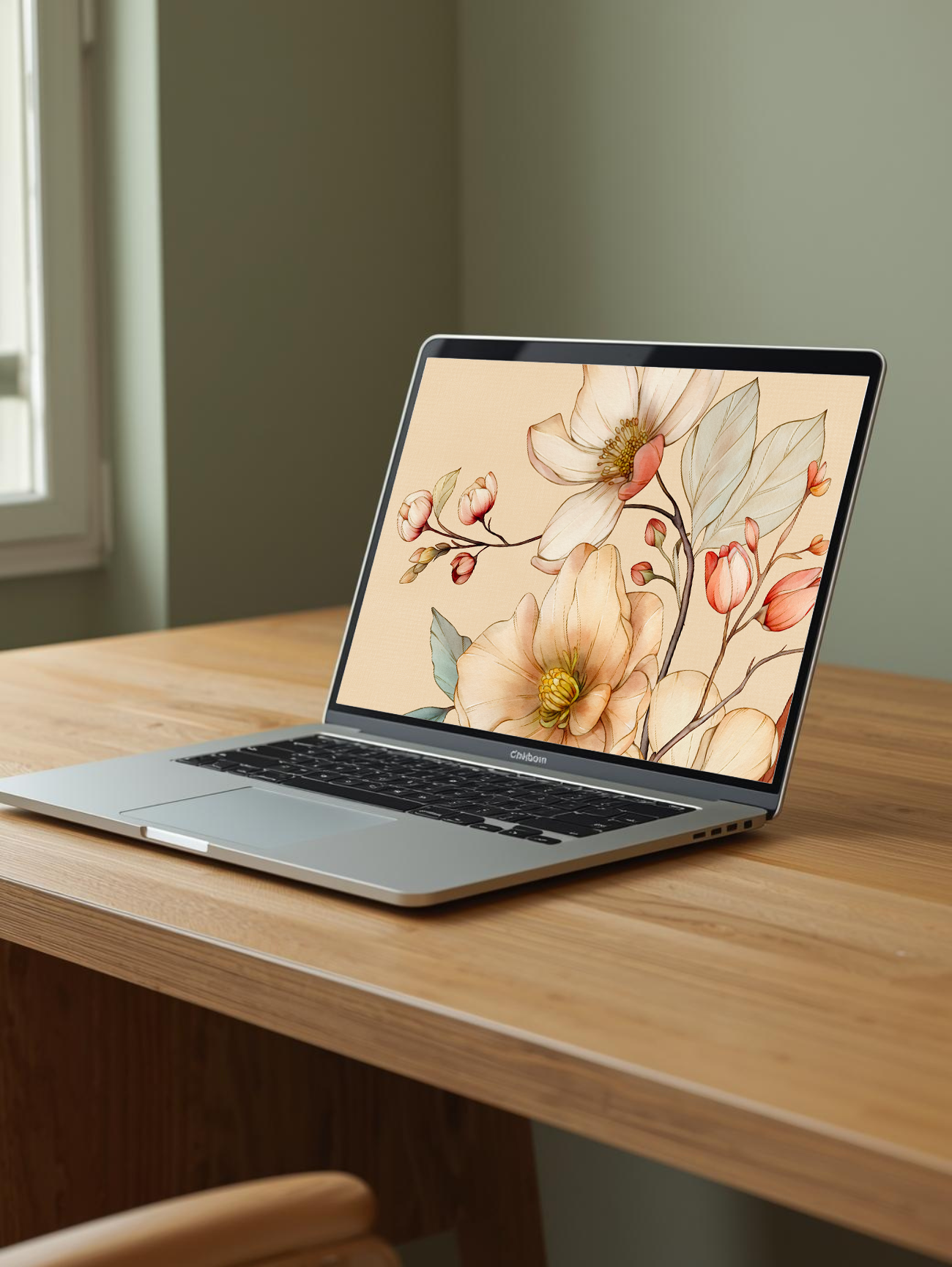
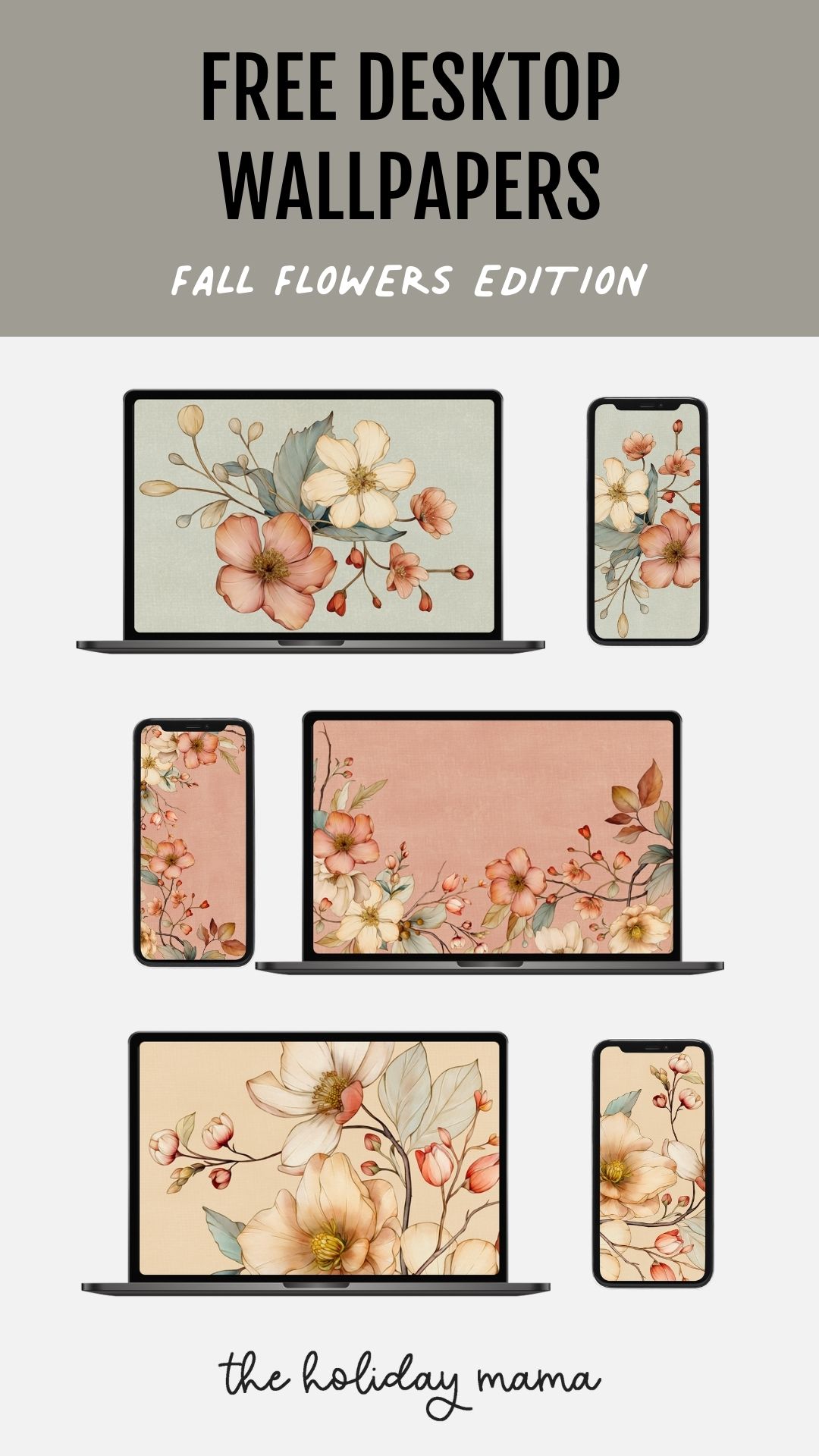
The wallpapers I’m sharing feature graphic floral designs in soft fall colors. Picture dusty rose, golden yellows, muted apricot, sage greens, and soft blush.
They’re not too bright or overwhelming—just the right touch of autumn warmth for your screen. I love that they feel seasonal without being too bold or distracting.
How I Style My Screen for Fall
Here are a few tricks I use to make my desktop feel a little extra cozy:
- Keep it clutter-free: Pairing a pretty fall wallpaper with a tidy desktop makes everything feel calmer.
- Match devices: I like to use the same wallpaper on my computer, phone, and tablet for a seamless seasonal look.
- Rotate designs: I’ll swap out wallpapers every couple of weeks so my screen always feels fresh and fun.

Free Fall Flowers Desktop Wallpaper Download
Ready to cozy up your screen too? I’ve put together a collection of free fall flowers desktop wallpapers that you can download today. Pick your favorite, set it as your background, and let those autumn blooms brighten your everyday moments.
FAQs About Seasonal Wallpapers
What size wallpaper do I need?
Most desktops use 1920x1080, but if you have a larger monitor, try 2560x1440 for a crisp fit.
Can I use these on my phone?
Yes! Many of these floral designs look beautiful on mobile screens too. I love coordinating mine across devices. I recommend changing the image's orientation from landscape to portrait for best use on your phone.
Are these free?
Yes, absolutely. These wallpapers are free for personal use—just a little seasonal gift from me to you.
How often should I change my wallpaper?
It’s totally up to you! I like to rotate mine a couple of times each season to keep things fresh.
GET THE FREE WALLPAPERS NOW
- Put your name and address into the form below and click "Yes, please!"
- Click the small box "I am not a robot."
- You'll be instantly taken to my entire library of free wallpapers.
- Look for the folder named "Fall Flowers" to download this set of wallpapers.
These free downloadable file is provided for personal, non-commercial use only. By downloading, you agree not to reproduce, distribute, sell, or modify this file in any form. You may not share it digitally or in print with others for profit or commercial purposes. This file remains the intellectual property of The Holiday Mama and is protected under copyright law. Unauthorized use, duplication, or redistribution is strictly prohibited.
HOW TO CHANGE YOUR BACKGROUND ON YOUR COMPUTER OR PHONE
After downloading your wallpaper, follow my simple guide on how to change your background to install it on iPhone, Android, Mac, or Windows. In just a few seconds, you can style your screen with your new Holiday Mama wallpaper.

And just like that, you have a fresh new fall flowers desktop wallpaper to bring seasonal coziness to your device!
ENJOY YOUR FALL FLOWERS DESKTOP WALLPAPER!
PIN THIS!
MORE POSTS YOU'LL LOVE
This post may contain affiliate links, which means I'll receive a small commission if you purchase through my link. Read the full disclosure.