





Downloading a free wallpaper from The Holiday Mama is a fun and simple way to refresh your phone or computer screen. Once you’ve saved your favorite design, setting it as your background only takes a few seconds.
This quick guide will show you how to change your background using a Holiday Mama wallpaper on iPhone, Android, Mac, and Windows computers.
If you’ve just downloaded one of our free wallpapers, follow the instructions below to install it.
iPhonE - How to Change Your Background
- Download and save the wallpaper to your phone.
- Open the Photos app.
- Tap the wallpaper image you want to use.
- Tap the Share icon in the lower-left corner.
- Scroll down and select Use as Wallpaper.
- Adjust the image placement if needed.
- Tap Add and choose:
- Set as Lock Screen
- Set as Home Screen
- Set as Both
Your new Holiday Mama wallpaper will now appear on your phone.
Tip: If the wallpaper looks zoomed in, pinch the screen to adjust the size before setting it.
Android - How to Change Your Background
- Download and save the wallpaper image to your phone.
- Open your Gallery or Photos app.
- Tap the wallpaper image.
- Tap the three dots menu or Set as Wallpaper option.
- Choose where you'd like the wallpaper: home screen, lock screen, or both.
Adjust the image and confirm.
Your background will update instantly.
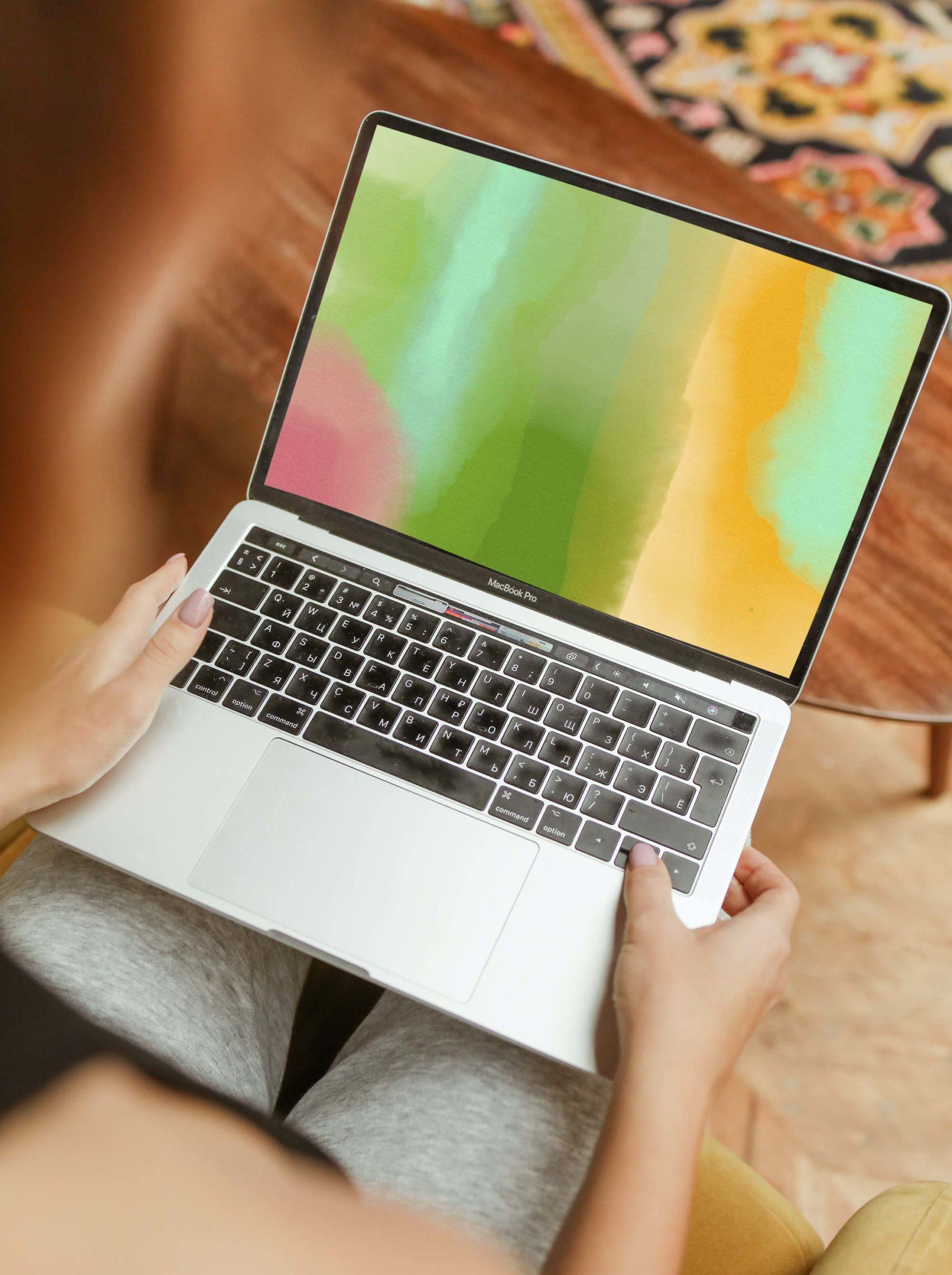
Mac - How to Change Your BackgrounD
- Download the wallpaper image to your computer.
- Open System Settings (or System Preferences).
- Click Wallpaper.
- Click Add Photo or browse to your Downloads folder.
- Select the wallpaper image.
Your desktop background will update automatically.
Shortcut: You can also right-click an image file and choose Set Desktop Picture.
Windows - How to Change Your Background
- Save the wallpaper image to your computer.
- Right-click anywhere on your desktop.
- Click Personalize.
- Select Background.
- Click Browse and choose the wallpaper file you downloaded.
- Select how you'd like it displayed:
- Fill
- Fit
- Stretch
- Tile
- Center
Your new wallpaper will appear on your desktop.
Where to Find Free Wallpapers
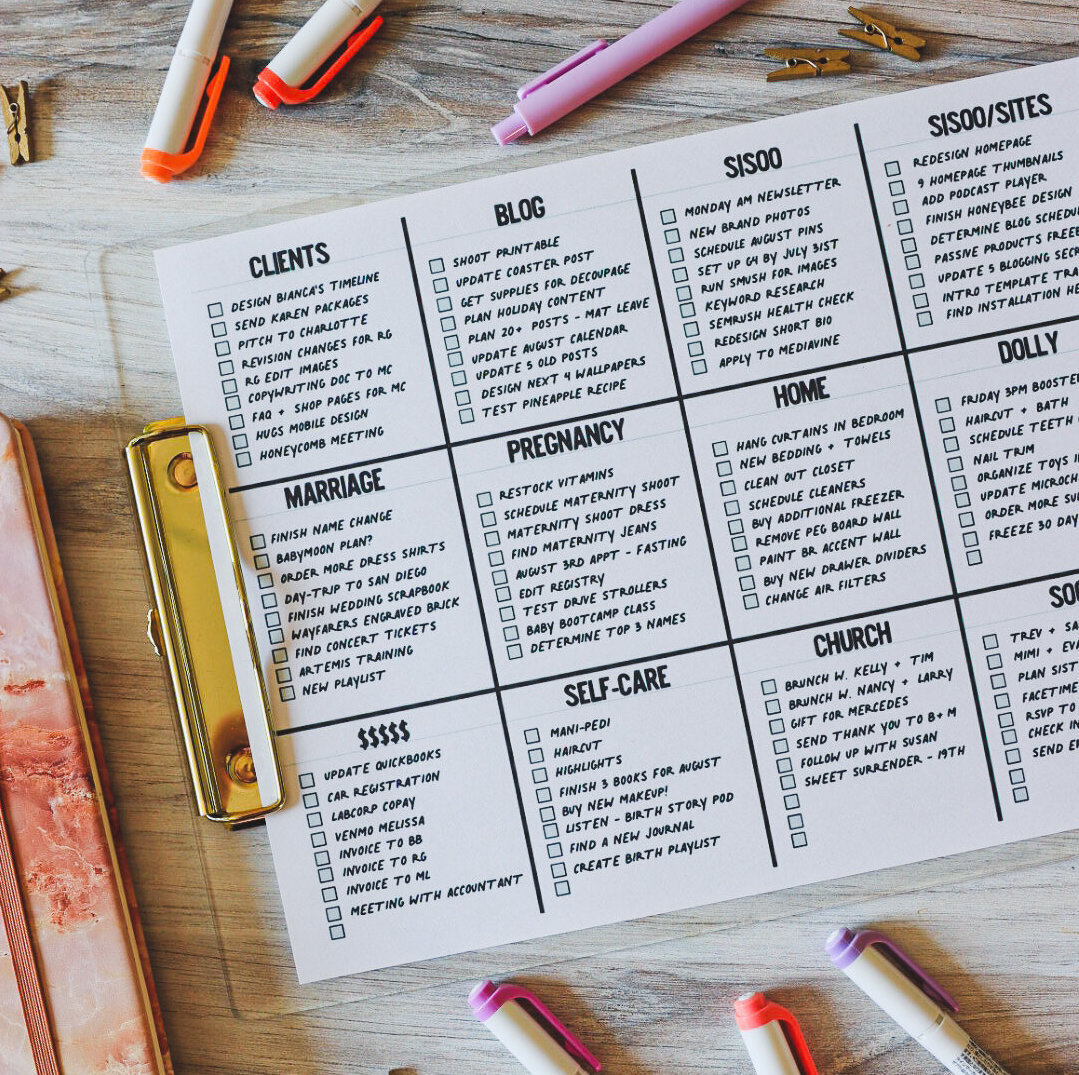
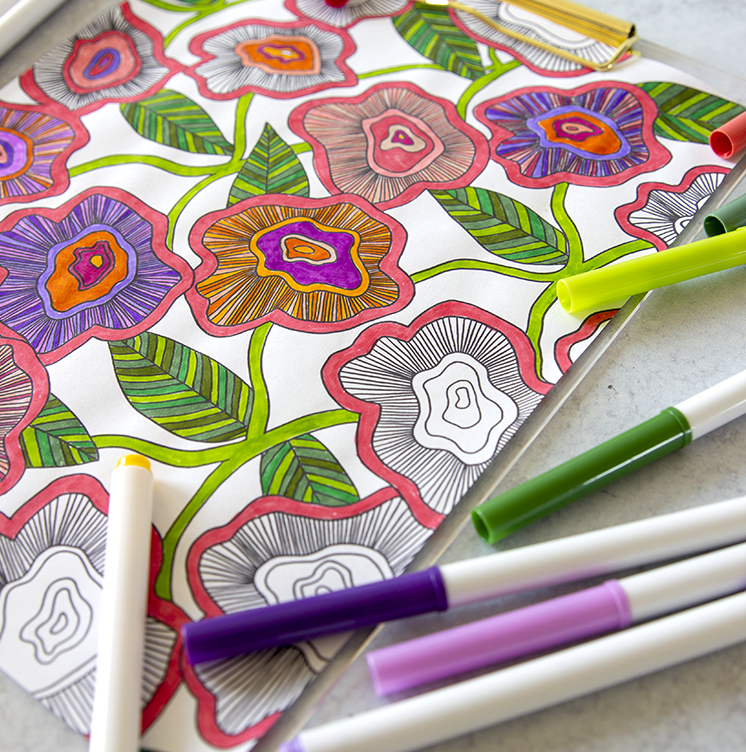
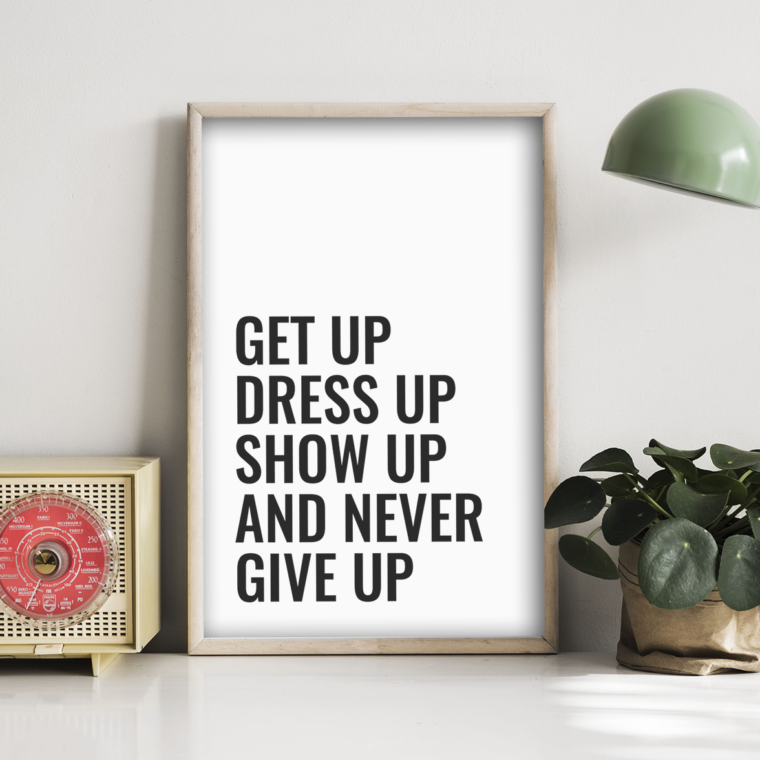
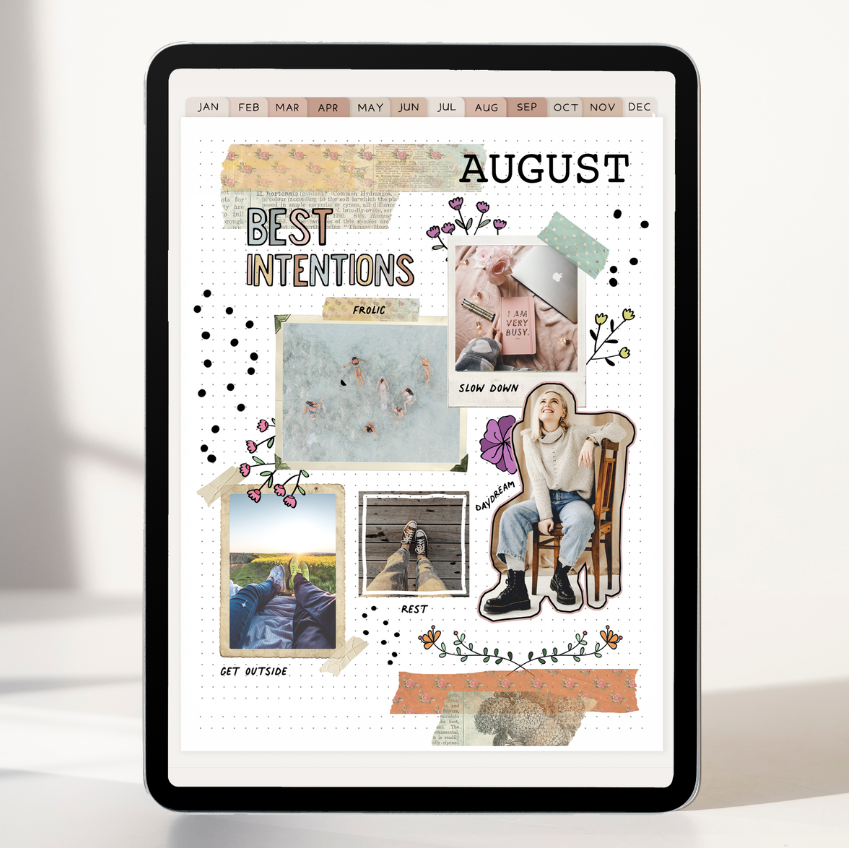
If you enjoy switching up your backgrounds throughout the year, explore the free wallpapers here on The Holiday Mama. You'll find designs perfect for every season, holiday, and mood.
Our free downloads include:
- Cute colorful wallpapers
- Seasonal backgrounds
- Holiday-themed designs
- Simple aesthetic wallpapers
- Kid-friendly wallpapers
They’re an easy way to add a little joy to your everyday devices.
Tips for Choosing the Best Wallpaper
Pick high-resolution images
Clear, high-quality images look best on modern screens.
Keep your icons in mind
Simple backgrounds make app icons easier to see.
Change them with the seasons
Refreshing your wallpaper is a fun way to celebrate holidays and special moments throughout the year.
Ready for a new look?
Browse the free wallpaper collection and download your next favorite background.
This post may contain affiliate links, which means I'll receive a small commission if you purchase through my link. Read the full disclosure.